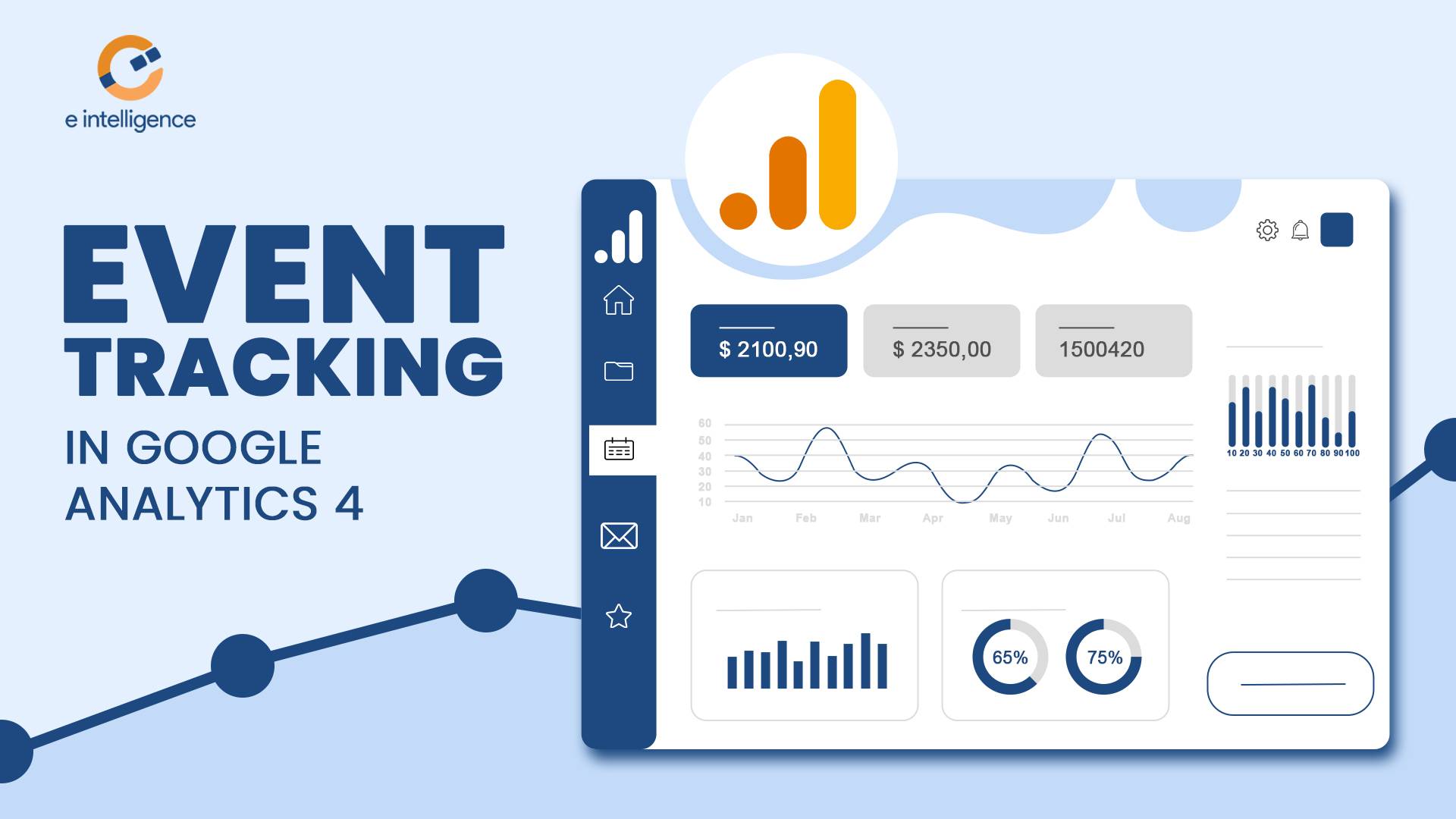
Google Analytics 4 (GA4) is Google’s analytics platform for understanding how people interact with websites and mobile apps. It helps businesses measure traffic, analyze marketing channels, monitor user engagement, and evaluate important business outcomes such as enquiries, purchases, and sign-ups.
Unlike traditional analytics approaches that focus heavily on pageviews and sessions, GA4 uses an event-based measurement model to record user interactions. This gives businesses more flexibility to understand how visitors navigate their websites and complete important actions.
For digital marketers and SEO professionals, GA4 can provide valuable information about which channels attract visitors, which landing pages perform well, and where users may leave before converting.
In this guide, we explain what GA4 is, how event tracking works, which reports matter most, how GA4 differs from Universal Analytics, and how businesses can use analytics data to improve their marketing strategies.
What Is Google Analytics 4?
Google Analytics 4 is an analytics platform introduced in October 2020. It measures activity across websites and apps using an event-based data model.
Google’s previous platform, Universal Analytics, stopped processing standard property data on July 1, 2023. GA4 is now the standard Google Analytics platform for businesses that want to measure website and app performance.
GA4 helps businesses understand:
- Website traffic: How many users visit a website and how they arrive.
- Traffic sources: Whether visitors come from organic search, paid advertising, social media, referrals, or other channels.
- User engagement: How people interact with website content and app features.
- Key events: How often important actions, such as form submissions or purchases, occur.
- Landing page performance: Which pages attract visitors and contribute to business goals.
- Audience behavior: How users interact with a website across their journeys.
GA4 can also provide insights and predictive metrics for eligible properties when sufficient data and the required conditions are available. These features can help marketers investigate trends, but they do not replace careful analysis or guarantee future results.
Businesses can combine GA4 insights with a broader SEO strategy from e intelligence to evaluate website performance and identify opportunities for improvement.
What Is Event Tracking in Google Analytics 4?
Event tracking is one of the most important features of GA4. An event records an interaction or activity that takes place on a website or app.
Examples include:
- Viewing a page.
- Clicking an outbound link.
- Scrolling through a page.
- Downloading a document.
- Playing an embedded video.
- Submitting a form.
- Completing a purchase.
GA4 automatically collects certain events, while enhanced measurement can collect additional interactions when enabled and supported by the website setup. Other interactions require recommended or custom events to be configured.
For example, a business may want to know how many visitors submit its contact form. A properly configured event can record successful submissions and help the marketing team compare lead activity across traffic sources and landing pages.
It is important to distinguish between an event and a key event. An event records an interaction, while a key event represents an action that is particularly important to your business.
For more details, refer to Google’s official guide to setting up GA4 events.
Types of Events in Google Analytics 4
GA4 events fall into four main categories.
1. Automatically Collected Events
These events are collected automatically when GA4 is correctly installed and the relevant conditions are met.
Examples include:
first_visit: Records a user’s first visit to a website or first launch of an app.session_start: Records the beginning of a session.user_engagement: Records user engagement activity under GA4’s measurement rules.
These events help establish a baseline for understanding how people access and interact with your website.
2. Enhanced Measurement Events
Enhanced measurement can collect additional interactions without requiring separate event code for each supported interaction. You can manage these settings in your GA4 web data stream.
Depending on the configuration, supported events include:
page_view: Records a page view.scroll: Records when a user reaches approximately 90% of a page’s vertical depth.click: Records supported outbound link clicks.file_download: Records clicks on links to recognized file types.view_search_results: Records supported site search activity.- Video engagement events: Records supported interactions with eligible embedded YouTube videos.
Enhanced measurement must be enabled for the relevant features, and some interactions may require additional configuration. Always test the setup to ensure the data is being collected as expected.